
An AI Image Generator for Bakery Businesses: Logos, Menus & Social Posts
Stock photos look generic and a photographer is expensive. An AI image generator can fill the gap for a small bakery — social posts, menu graphics, banners, even logo concepts. Here is how to use it well and honestly.
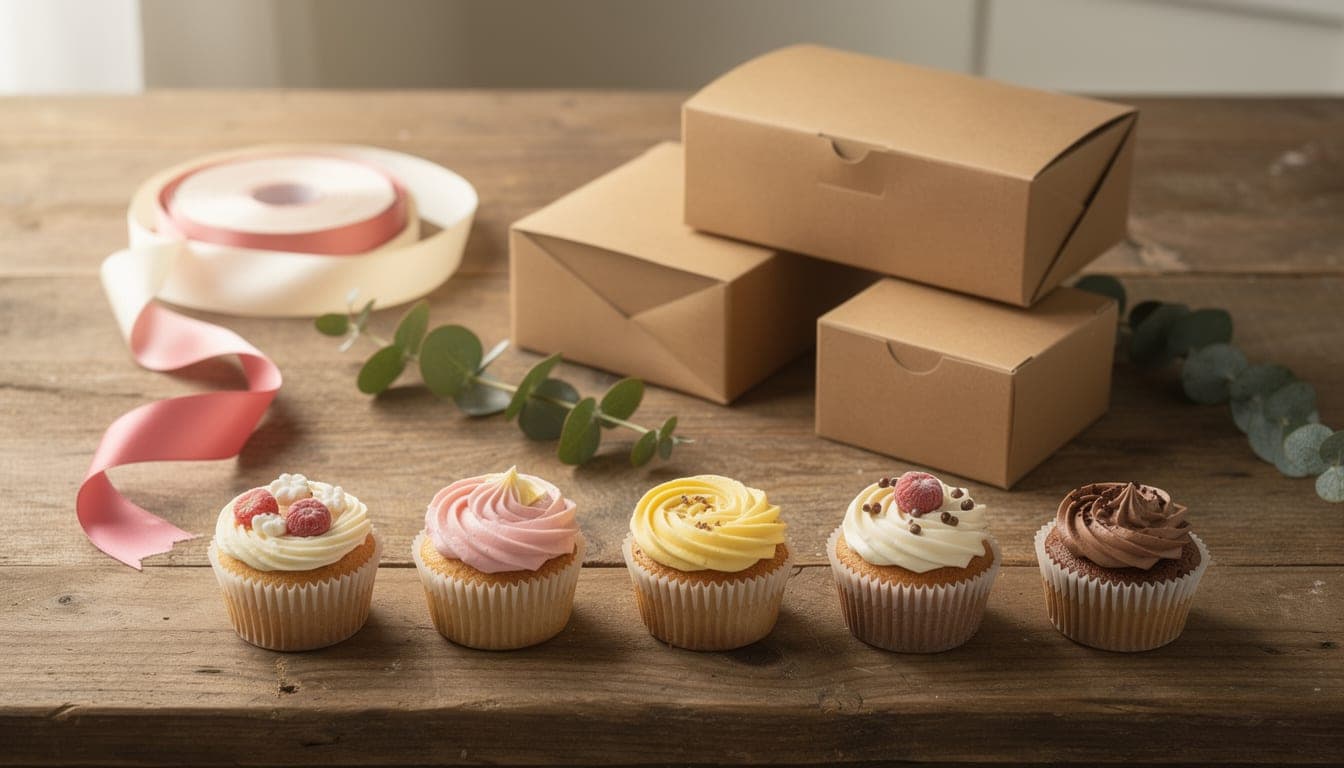
Running a small bakery means being your own marketing team — and constantly needing images. Stock photos look generic, and a professional photo session can run into the hundreds. A small, fixed-price AI allowance sits neatly in between: original, on-brand visuals on demand without booking a shoot for every campaign. Here is what it does well for a bakery, where to be careful, and a quick workflow for a branded post.
What a small bakery can use AI images for
- Social media posts — eye-catching backgrounds and themed graphics for offers, seasonal launches, and “now taking orders” announcements.
- Menu & price cards — clean, styled backdrops to lay your wording over.
- Website & shop banners — hero images for your site, Etsy, or Facebook shop sized to fit.
- Logo and brand concepts — starting points for a wordmark or icon using the flat logo style.
- Seasonal & campaign art — Christmas, Valentine’s, Halloween themes generated on demand.
All of these come from one tool — our AI Image Generator — which runs on FLUX.2 Pro, offers five aspect ratios (so you can match a square Instagram post or a wide banner), and saves every image to a library you can reuse.
| Option | Cost | Trade-off |
|---|---|---|
| AI image generator | £4.99/month CakeyTops membership | Great for graphics and backdrops; not a photo of your real product |
| Stock photo sites | Subscription or per-image | Generic — other bakeries use the same shots |
| Professional photographer | Hundreds per session | Best for real product photos; slow and costly to refresh |
Where AI images shine — and where they do not
AI is excellent for marketing graphics: backgrounds, themed scenes, banners, and brand art that does not need to depict a specific real cake. It is not a replacement for photographing your actual products. Customers ordering a cake want to see your work, and showing an AI cake as if it were yours is misleading — and a fast way to lose trust when the real thing looks different. Use AI to set the scene; use your camera to show the goods.
Quick workflow: a branded social post
- 1
Generate a background or scene
In the AI Image Generator, describe the mood: “soft pastel flat-lay background with scattered sprinkles and a subtle pink gradient, top-down, lots of empty space for text.” Pick a 1:1 ratio for Instagram or 16:9 for a banner. - 2
Tidy it up if needed
Use the upscaler to make it crisp for a banner, or the background remover to lift an element out and place it over your brand colour. - 3
Add your wording last
Bring the image into any design app and add your offer, prices or caption there. Image models garble text, so always add the words yourself for clean, correctly spelled type. - 4
Keep it consistent
Reuse the same style prompt and colours so your feed looks cohesive. Your saved library makes it easy to keep a consistent look across posts.
Make on-brand bakery graphics in seconds. Membership includes 100 monthly AI actions for £4.99, with commercial use included.
The cost side for a small business
The economics are what make this practical for a one-person bakery. You get 100 AI actions in each billing period, shared across generation, editing, expansion, and upscaling. Membership is £4.99 per month, and failed generations are refunded automatically. Compared with a photo shoot or a monthly stock subscription you barely use, it is a small, controllable cost. And because the images are yours to use commercially, you can put them straight onto your shop, ads and socials.
Designing actual products rather than marketing art? See how to design a cake topper with AI and our guide to selling custom cake toppers. To price your bakes properly, the pricing calculator keeps every order profitable.
Frequently Asked Questions
Can I use an AI image generator for my bakery business?
Yes. It is well suited to marketing graphics — social posts, menu and price cards, website and shop banners, seasonal campaign art, and logo concepts. A CakeyTops membership includes 100 monthly AI actions, and generated images can be used commercially.
Should I use AI photos of cakes instead of my own?
No. Use AI for backgrounds, graphics and concepts, but show real photos of cakes you have actually made in your portfolio and product listings. Presenting an AI cake as your own work misleads customers and damages trust when the real cake looks different.
Can AI make a logo for my bakery?
It can generate strong logo concepts using a flat logo design style, which is a great starting point for a small business. For a final logo you may still want to refine it or have it redrawn as a clean vector for print and signage, but AI gets you from blank page to a usable direction quickly.
How do I add text to an AI image for a post?
Add it yourself afterwards in any design app rather than asking the AI, because image models frequently misspell or distort words. Generate the background or scene with the AI, then place your offer, prices or caption over it as clean, correctly spelled text.
How much does it cost to make bakery images with AI?
A CakeyTops membership costs £4.99 per month and includes up to 100 AI actions per Stripe billing period. Failed generations do not count toward that allowance, and there are no overage charges.
Ready to turn the idea into artwork?
Membership includes up to 100 AI actions for £4.99 a month, alongside unlimited print downloads and every design tool. The first 3 days are free.
Keep reading
How to Design a Custom Cake Topper with AI (No Design Skills Needed)
You no longer need design software or drawing skills to make a one-of-a-kind topper. Describe what you want, generate the artwork with a CakeyTops membership, then use the topper editor to prepare it for print.
GuideAI Cake Design: Generate Cake Ideas & Client Mockups from a Text Prompt
Stuck for a design, or trying to agree one with a client before you commit? An AI image generator turns a sentence into a cake visual in seconds. Here is how to use it for ideas and mockups — without over-promising.
TutorialHow to Write AI Image Prompts for Cake & Cookie Designs (with Examples)
The difference between a generic AI cake and exactly the design you pictured is the prompt. Here is a simple formula, the style words that actually work for baking, and ready-to-use examples you can copy.